Tiny Automation Systems for Busy Creators: Save Hours and Grow Faster
Why Tiny Automations Matter More Than Big Systems
Creators don’t fall behind because they lack talent—they fall behind because tiny, repetitive tasks slowly drain their energy and time. Email follow-ups, saving files, organizing screenshots, copying analytics, renaming footage… it adds up fast.
Big, complex automation systems often fail because they’re overwhelming. What creators really need are tiny automations—small, lightweight systems that shave minutes off daily tasks and compound into hours saved every week.
These micro-automations take minutes to set up, require zero tech expertise, and instantly lighten your workload.
What Tiny Automations Actually Are
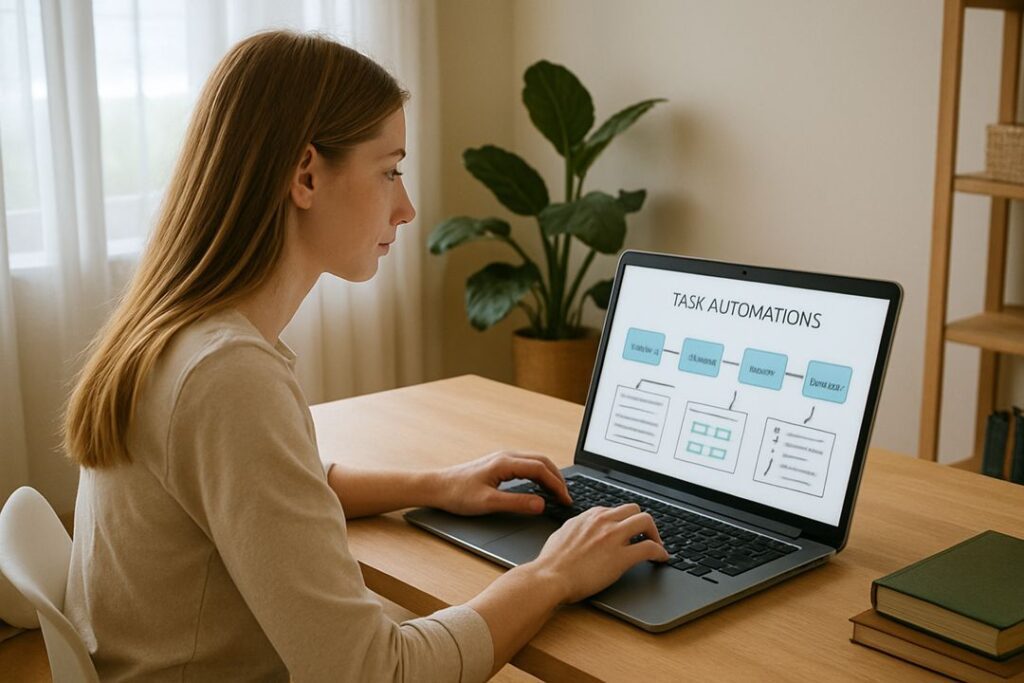
Tiny automations are simple, trigger-based actions that eliminate a single repetitive task from your workflow. They’re not full workflows or complicated multi-step systems. They’re small, focused, and painless to use.
Examples include:
- A note on your phone automatically saves to your content doc
- Screenshots instantly backed up to Google Drive
- New videos automatically logged into a spreadsheet
- Saved social media posts auto-organized into your inspiration library
Think of them as tiny digital helpers that keep your creative work clean, organized, and low-stress.
The Real Creator Problem: Micro-Tasks Eat Your Day
Creators don’t get exhausted from being creative—they get exhausted from everything around the creativity.
Some of the biggest silent time-wasters include:
- capturing ideas and losing half of them
- manually organizing clips, photos, and drafts
- rewriting captions or headlines
- copying analytics across tools
- renaming or sorting files
- saving content inspiration in multiple places
- posting reminders and schedule tracking
These little tasks stack up and steal your best creative hours. Tiny automations stop that leak.
Tiny Automations Every Creator Should Use
Auto-Save Your Ideas
Automatically send every note, voice memo, or quick thought to one master document or Notion board.
Auto-Backup Screenshots and Footage
Every screenshot, photo, or clip can be instantly uploaded to Google Drive, Dropbox, or iCloud. No dragging files.
Auto-Rename or Auto-Tag Downloads
Use simple desktop automations to instantly rename files when they land in a folder—perfect for creators with dozens of clips or graphics.
Auto-Send Posting Reminders
A scheduled automation triggers reminders so you never forget to post on your highest-performing platforms.
Auto-Sync Your Content Calendar
Edits made in Google Calendar or Notion automatically sync across your phone and desktop.
Auto-Transcribe Voice Notes
Record an idea → it appears as text in your doc without you lifting a finger.
Auto-Convert Notes Into Outlines
Use simple AI triggers to turn messy notes into structured outlines ready for blog posts, scripts, or emails.
Auto-Save Social Media Inspiration
Saved TikToks, Instagram posts, and YouTube Shorts can auto-drop into a spreadsheet or Notion gallery.
Auto-Generate Draft Captions or Headlines
Upload a piece of media, and a pre-set automation creates caption drafts that you can quickly refine.
Auto-Collect Weekly Analytics
Set a weekly automation to gather your analytics into one simple dashboard instead of checking each platform manually.
Beginner Tools That Make Automation Easy
You don’t need to be technical or learn advanced software. These beginner tools handle almost everything:
IFTTT
Perfect for personal automations and quick triggers from your phone.
Zapier
The most popular option for connecting apps without coding.
Make.com
A highly visual automation builder with beginner-friendly templates.
Google Workspace Tools
Google Docs and Sheets have built-in automation shortcuts that smooth your workflow.
Notion
Turn your workspace into a self-organizing hub using simple automation rules.
Phone-to-Cloud Integrations
Automatically move screenshots, audio recordings, and notes into your organized workflow.
ChatGPT
Functions like an on-demand automation engine—one message can outline, rewrite, tag, or format your content instantly.
Recommended Laptop for Automator’s
Lenovo IdeaPad Flex 5 Laptop
A versatile 2-in-1 laptop that’s perfect for creators building automation workflows. Fast processor, smooth multitasking, touchscreen mode for note reviews, and strong battery life for long work sessions.
Tiny Automations for Writers
Writers deal with endless scraps of notes, drafts, and ideas. Automations simplify the chaos.
- Auto-capture ideas from multiple devices
- Auto-build SEO keyword lists when you save ideas
- Auto-format long drafts into cleaner layouts
- Auto-log writing sessions
- Auto-send finished drafts to editors or team members
Your writing stays organized, and your mind stays clear.
Tiny Automations for Video Creators
Video creators handle huge amounts of files. Automations make the workflow smoother:
- automatically transfer raw footage as soon as you record it
- organize clips by date, resolution, or project
- auto-generate captions or transcripts
- save exported videos to the cloud instantly
- log content automatically when new files appear in a folder
It’s like having a digital intern managing your file system.
Tiny Automations for Bloggers
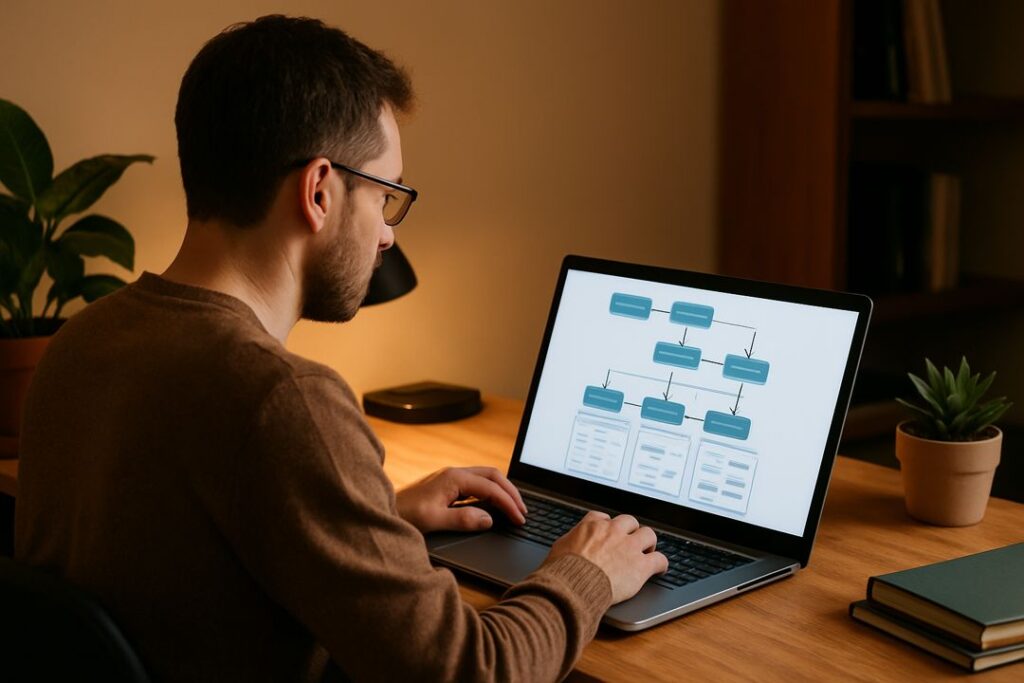
Bloggers juggle research, organization, SEO, and outlines. Simple automations help with:
- importing saved research links directly into one document
- backing up drafts as you write
- converting long notes into blog-ready outlines
- auto-tracking your article performance
- sorting your topic clusters automatically
These systems keep articles flowing without content pile-up.
Tiny Automations for Social Media Creators
Social media creators can save hours each week using:
- auto-saving trending audio or topics
- creating instant caption drafts
- sending media directly into your scheduling app
- auto-producing repurposed versions of content
- storing your daily posts into one database for future reuse
The less you manage manually, the more you create.
How Tiny Automations Multiply Over Time
Tiny automations aren’t about saving one hour today—they’re about shifting your entire creative operating system.
They:
- reduce decision fatigue
- increase consistency
- remove chaotic file management
- improve your long-term creative stamina
- give you a compounding time advantage
A few minutes saved every day become dozens of hours saved every month.
How to Build Your First Automation (Even If You’re Not Technical)
Start with the task you hate the most or the one you repeat constantly.
Ask yourself:
- What am I doing over and over?
- What tool already has automation options?
- What single action could remove this task entirely?
Choose a trigger (like a new note, new screenshot, new file, new upload).
Choose an action (save, rename, send, log, backup, or convert).
Test it.
Tweak it.
Keep it simple. Automations shouldn’t take more than a few minutes to set up.
What NOT to Automate
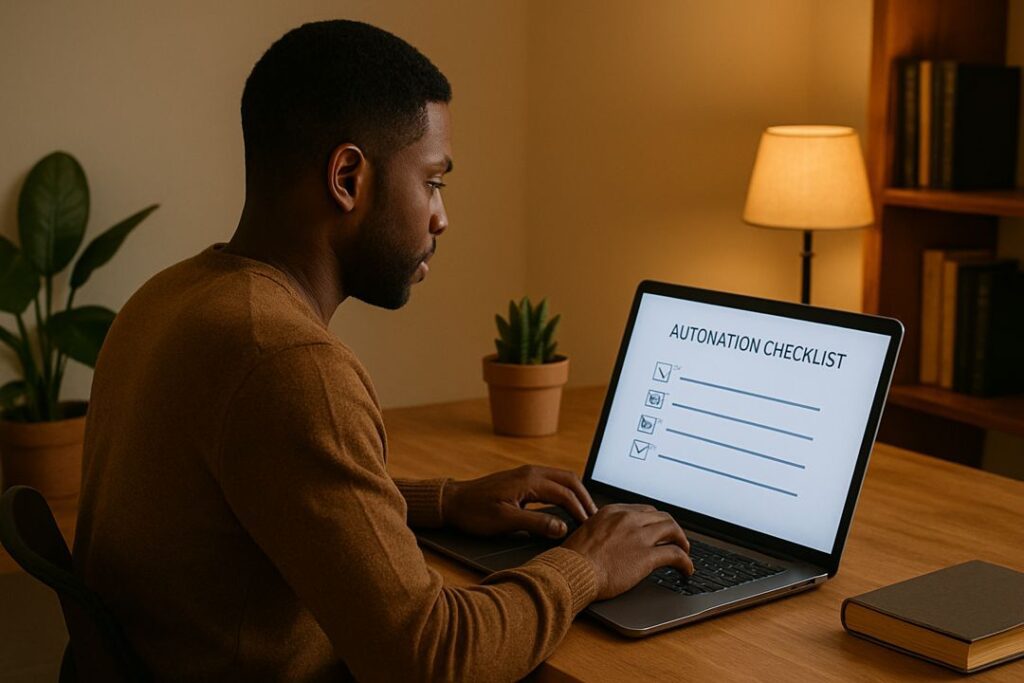
Not everything should be automated.
Leave these human:
- responding to comments
- replying to messages
- partnership outreach
- negotiations
- community support
- anything where tone and nuance matter
Authenticity cannot be automated.
Scaling Your Automation Stack
Once the tiny systems deliver results, you can expand gently:
- add one new automation per month
- template your workflows
- build your own “Creator OS”
- outsource more advanced automations once you understand your needs
- create automation bundles you can sell or share
Your entire business becomes smoother, calmer, and more profitable.
FAQ
Do I need paid tools to get started?
No, most tiny automations can be built with free tools.
How long do these take to set up?
Most take under 10 minutes.
Will automation make my content feel robotic?
No—automation handles the boring parts, not the creative ones.
Will this work for a total beginner?
Absolutely. Tiny automations are designed for people with no technical background.
Thoughts: Small Automations, Big Growth
You don’t need an elaborate tech stack or complicated workflow to scale as a creator. You only need a handful of small, smart automations that quietly save time while you focus on creating.
These tiny systems reduce friction, increase consistency, and give you back the mental bandwidth you’ve been missing.

If you want to learn how to build a profitable online business with the right tools and support, don’t sleep on Wealthy Affiliate. It’s the smartest place to sharpen your online business strategy.